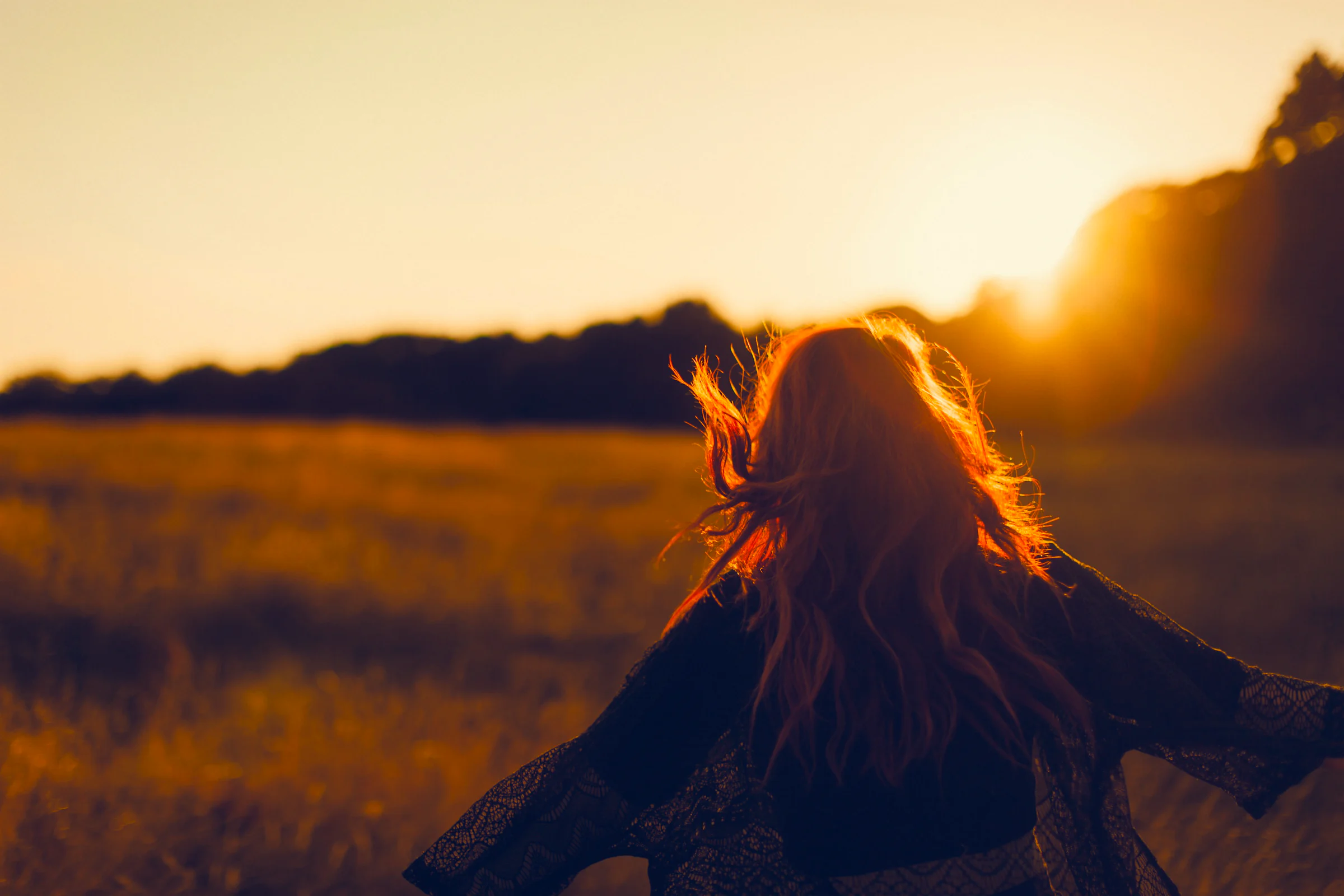
RAW editor for macOS
Make it feellike film.
NOISO. is a RAW editor with an analog soul. Twelve signature looks, halation born from real light, and grain that lives inside the tones, on a colour engine built to keep every highlight.
- 12 signature looks
- Halation in linear light
- 16-bit Display P3
- Edits that travel with your photos
01 — Compare
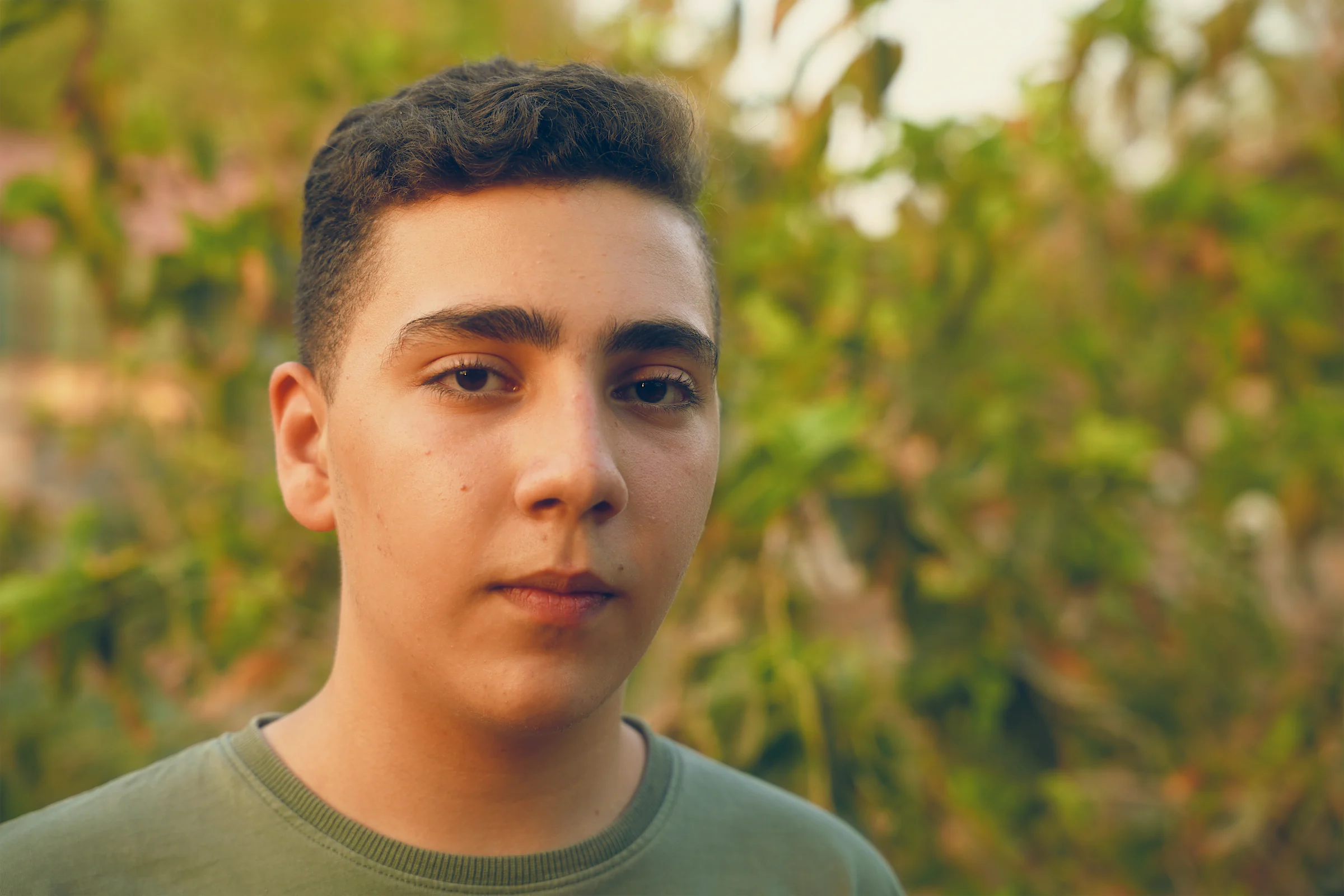
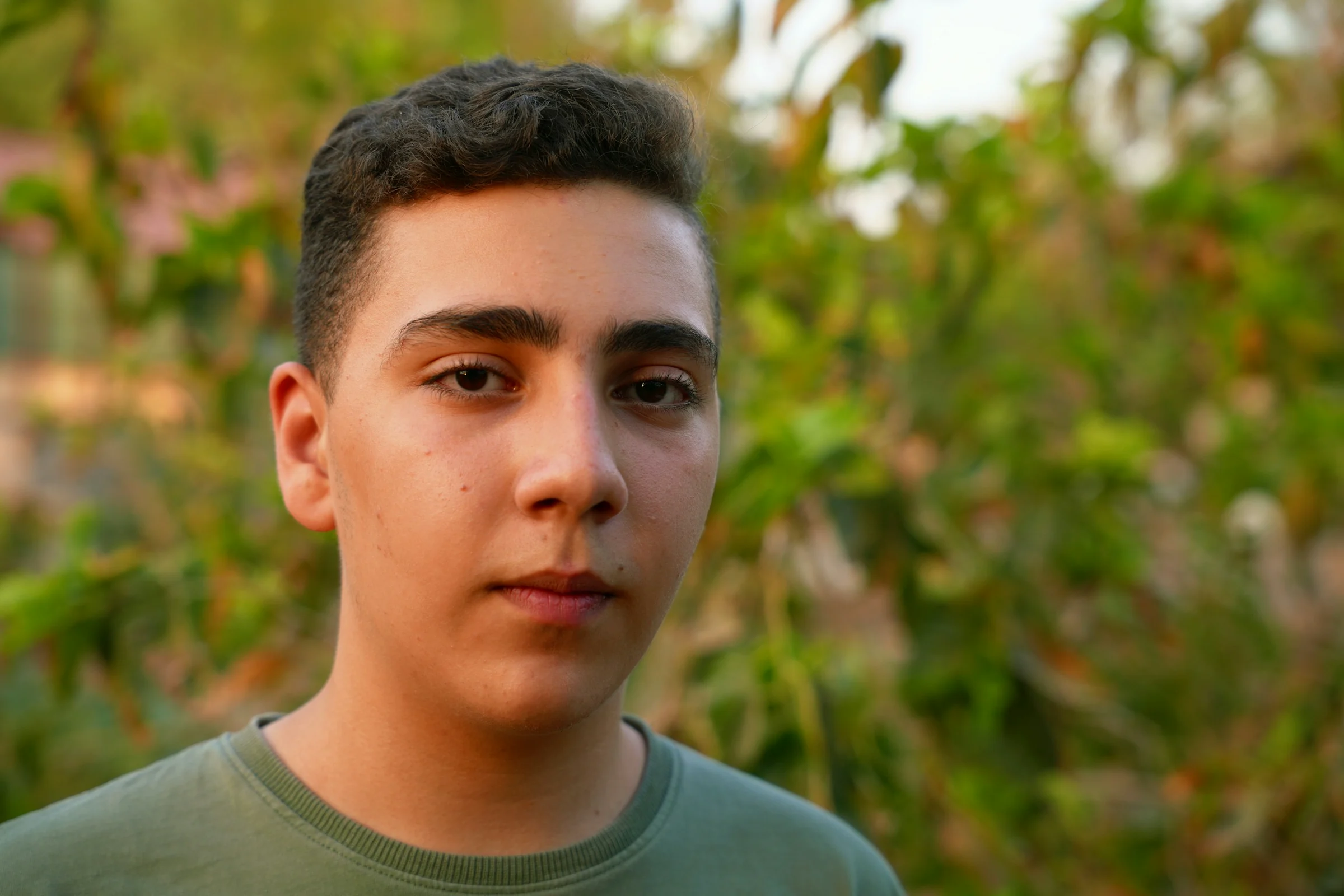
The same frame. A different feeling.
Drag the divider. On the left, the photograph as shot. On the right, the same frame developed in NOISO.
Drag across the photograph, or use the arrow keys. Shift moves farther. Home and End reach either edge.
02 — Philosophy
Less perfection. More feeling.
A photograph is more than sharpness and accurate colour. It is atmosphere. Memory. The temperature of a moment you want to keep.
NOISO. gives you the character of film with the freedom of a RAW file, on an engine precise enough that character never costs you the picture.
03 — Signature looks
Twelve looks. Each made for one light.
Every NOISO. look is authored for a single kind of light, so choosing one is a decision, not a gamble. One strength control blends the whole treatment. Every slider underneath stays open to you.
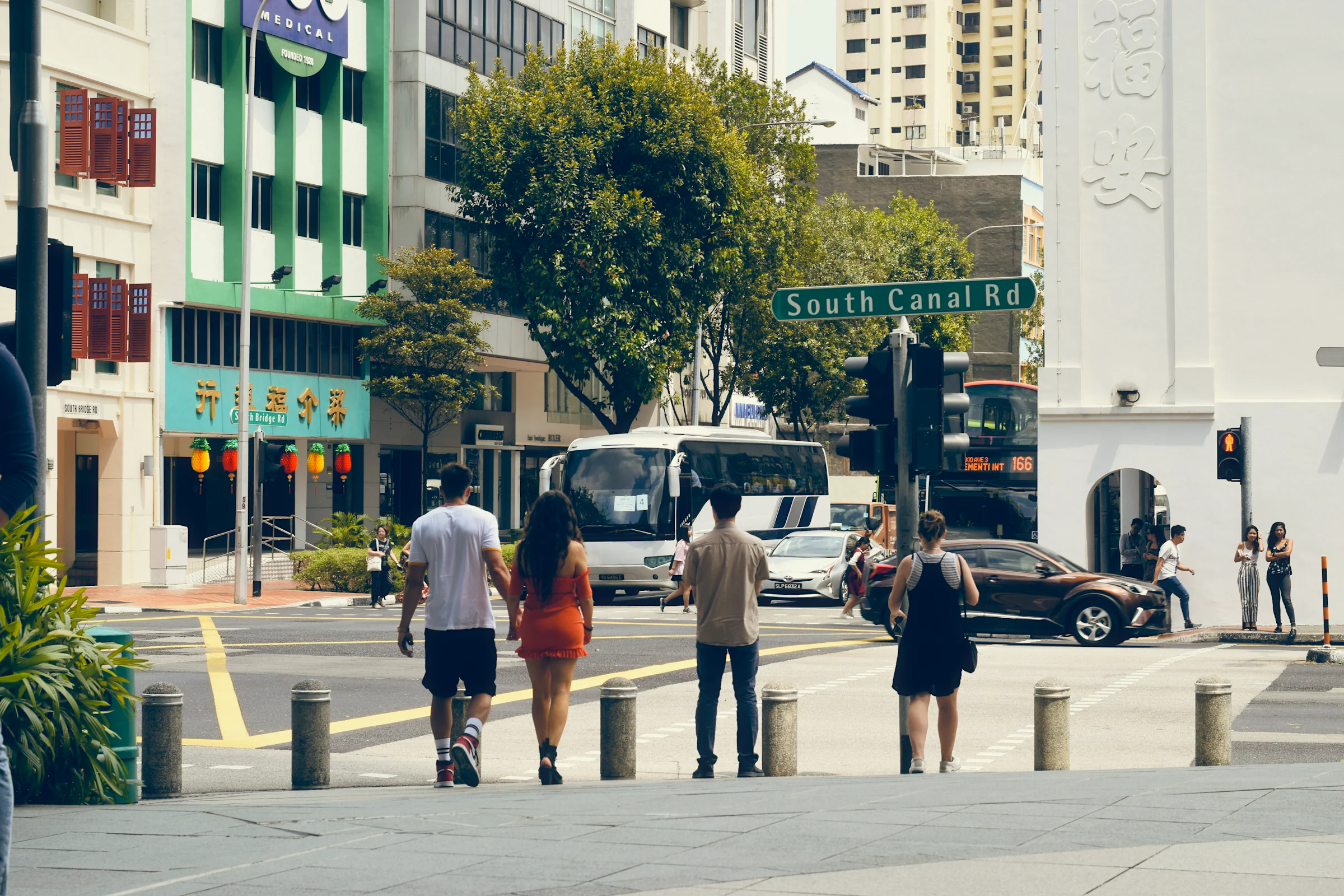
NOISO. Daylight
Natural skin, calm greens, clean skies, and highlights that round off softly. The first look to reach for: travel, reportage, and anything in daylight.
Colour
Black and white
Featured looks open the library the moment a photograph is on screen.
Original looks, authored for NOISO. Your changes become a new look of your own, and the signature set stays exactly as it was made.
04 — Craft
Shape the feeling.
Start from a signature look or from a clean frame. Underneath sits an engine built for the parts of film that matter most: colour, light, and texture.
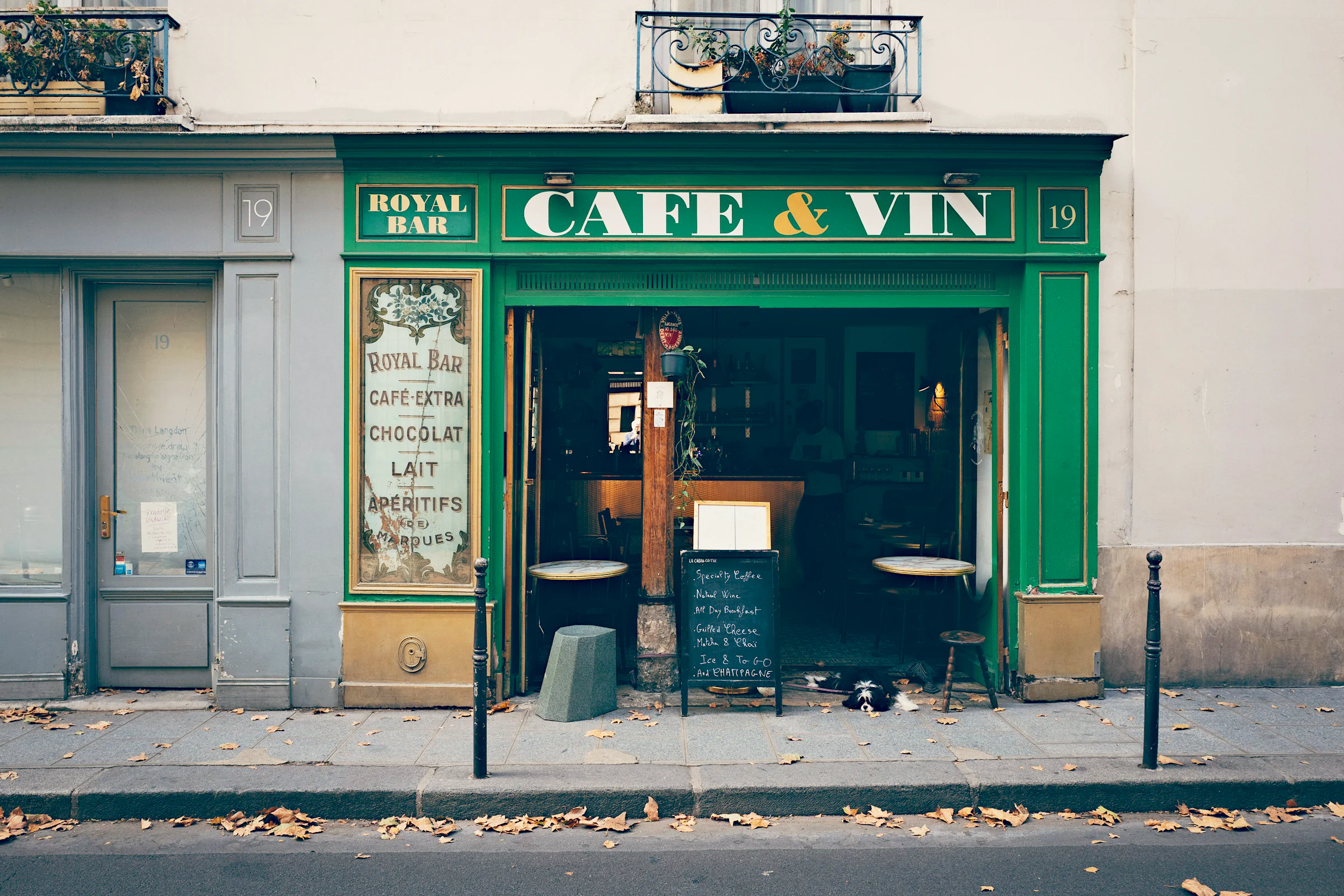
Colour engine
Colour that holds its shape.
NOISO. develops in extended linear Display P3, where light adds up the way it does in the world. Saturation stops at the edge of the gamut so a red stays red, the HSL mixer works in perceptual OKLCh, and highlights above white roll off softly. Bézier curves, three-way grading, and .cube LUTs sit on top.
Halation
Let the light breathe.
Bright highlights expose the frame a second time, the way light scatters back through film. NOISO. computes it in scene-linear light and spreads it across three scales on the GPU, tinted by the profile you choose. Amount, threshold, radius, warmth, and softness stay in your hands.
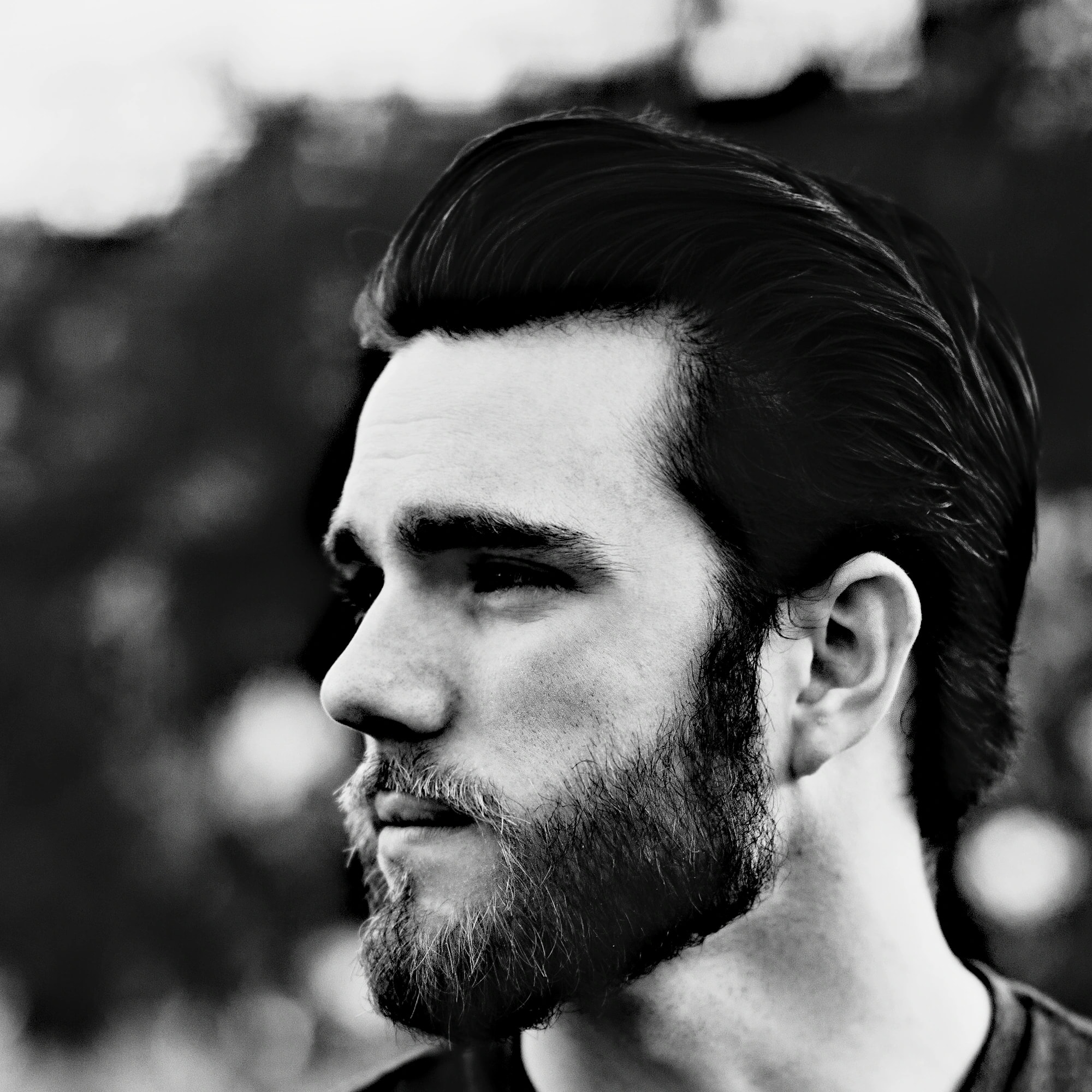
Drag across the photograph, or use the arrow keys. Shift moves farther. Home and End reach either edge.
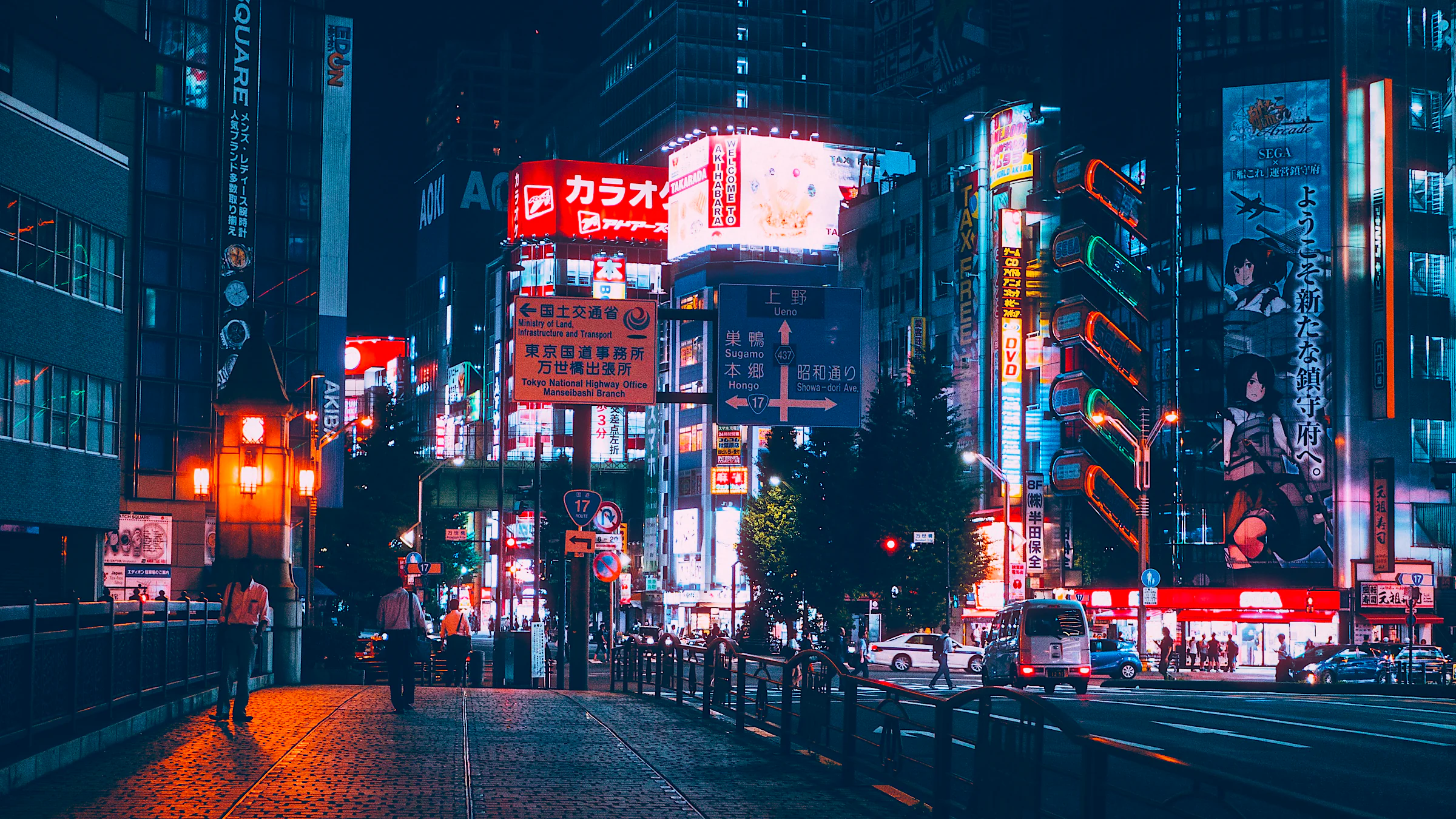
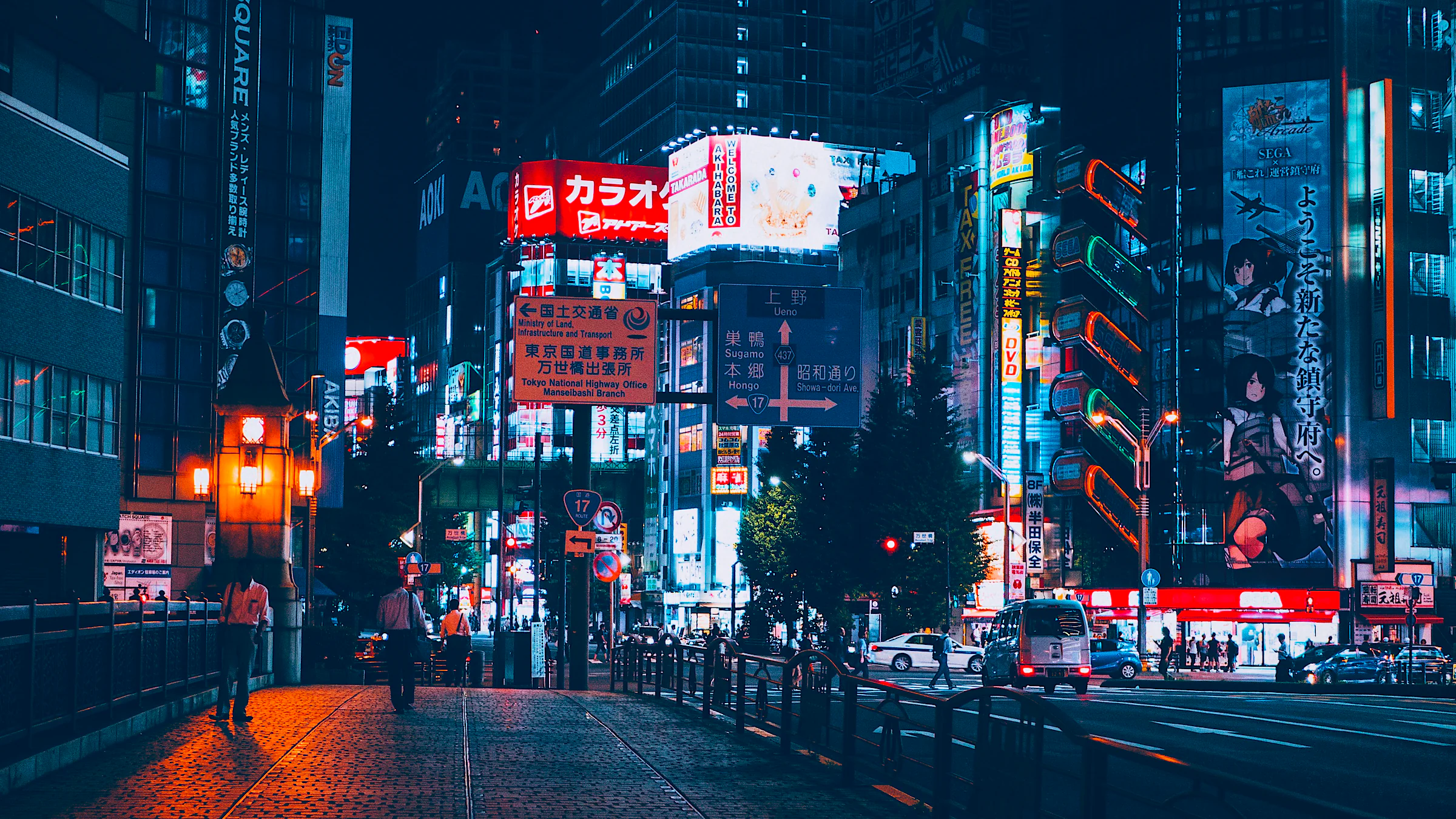
Drag across the photograph, or use the arrow keys. Shift moves farther. Home and End reach either edge.
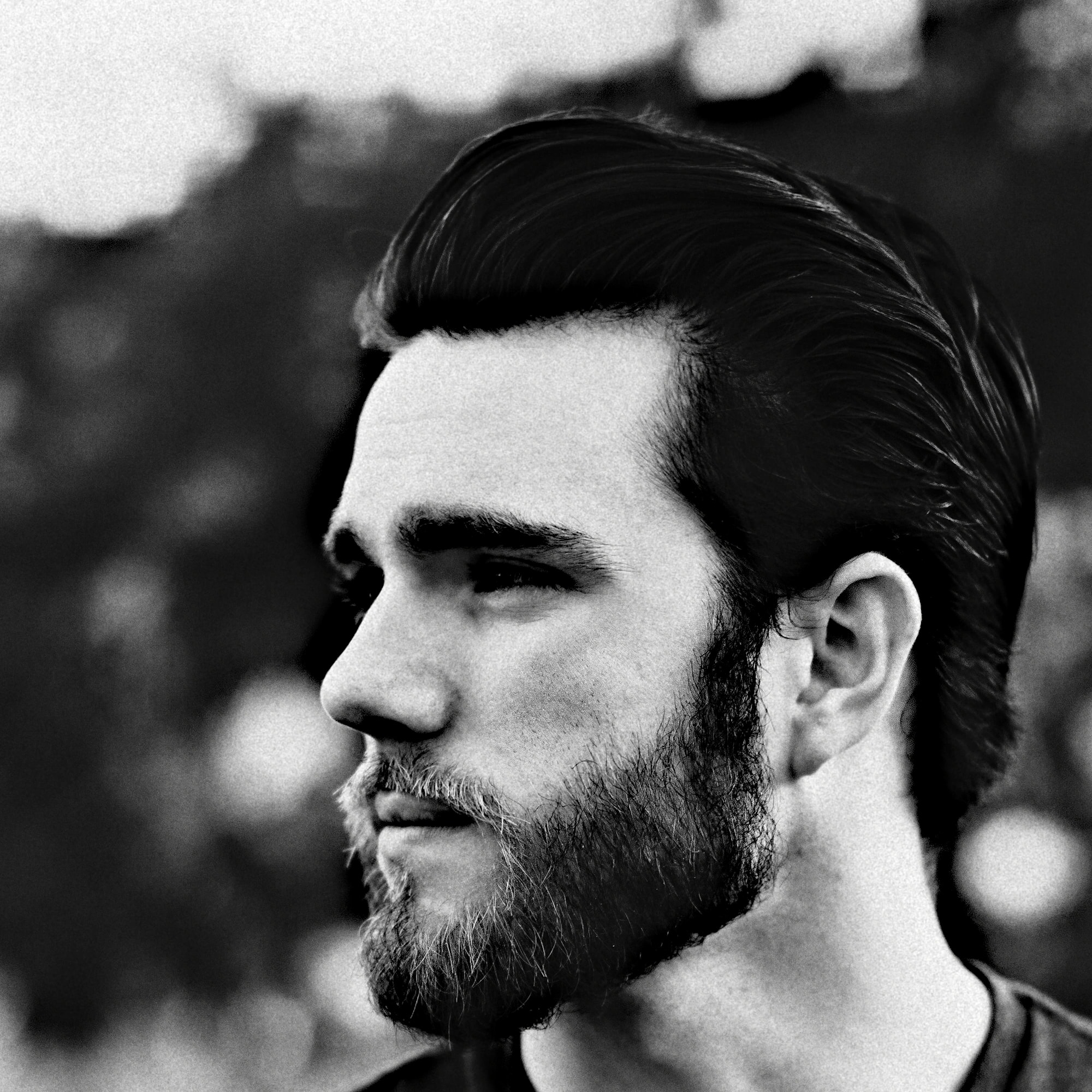
Grain
Texture that lives inside the tones.
NOISO. grain is density, not dust. It clumps across several scales, follows shadows, midtones, and highlights with their own weights, and keeps the same proportion of the frame from preview to full-size export. A stored seed makes the pattern yours, every time.
Style match
Bring a reference. Leave with a look.
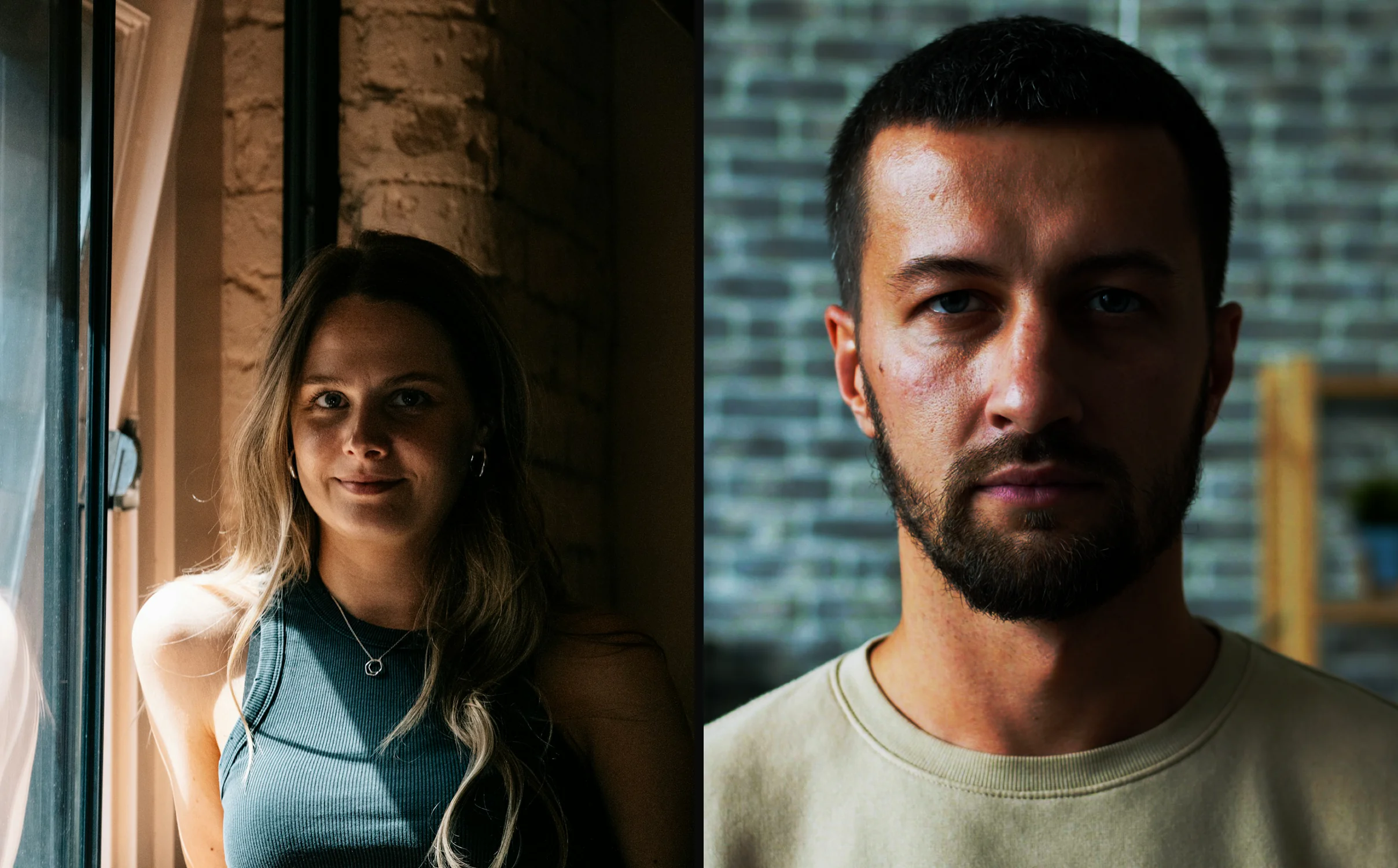
Load a photograph whose mood you love. NOISO. reads white balance from its neutral highlights, tone from its brightness, and colour from its midtones, then builds an editable look on your own frame. Keep it, refine it, and sync it across the series.
Files
Open anything. Export with care.
RAW · JPEG · HEIC · TIFF
Open a single frame, several at once, or a whole folder. Export JPEG, PNG, or 16-bit TIFF in Display P3, at full size or any long edge you choose, with EXIF, GPS, and IPTC carried across.
Halation comes with four profiles: Natural, Cinema, Redbase, and Soft. Grain, halation, bloom, and clarity are all scaled to the frame, so the preview you judge is the export you get.
05 — Why NOISO.
Built differently. On purpose.
Most editors add film at the end, as a layer. NOISO. builds it into the way the picture is developed.
- 01Halation
- The usual wayA red glow painted over the bright areas.
- In NOISO.A second exposure computed in scene-linear light and scattered at three scales. The glow grows out of the highlights themselves.
- 02Grain
- The usual wayA noise layer laid over the picture.
- In NOISO.Density grain inside the tones. It clumps naturally and looks the same in the preview and in a full-size export.
- 03Saturation
- The usual wayPush it, and reds drift toward orange.
- In NOISO.Chroma grows around luminance and stops at the gamut edge. The hue holds.
- 04Colour mixer
- The usual wayMove a hue, and its brightness moves too.
- In NOISO.A perceptual OKLCh mixer. Hue turns in true degrees, and brightness stays where you left it.
- 05Highlights
- The usual wayClipped to white at the first chance.
- In NOISO.Kept as data above white, then rolled off with a soft shoulder.
- 06First open
- The usual wayAn automatic profile you never chose.
- In NOISO.Your photograph, exactly as shot, until you pick a look or move a control.
- 07Your edits
- The usual wayKept inside a catalogue.
- In NOISO.A small .noiso file beside each photograph. Move the folder, and every edit moves with it, LUT included.
- 08Looks
- The usual wayPresets you overwrite by accident.
- In NOISO.Signature looks stay pristine. Your version becomes a new look, portable as a single .noiso-look file.
06 — The editor
Simple to begin. Deep when you need it.
A photograph opens in its own light. The library is one click away, and every finer control waits, folded, until the picture asks for it.
Editor
Library · Photograph · Correction
The library on one side. The photograph at the centre. Precision whenever you want it.
01
Library
Featured, favourites, colour, black and white, your own looks, and collections. Every card previews the look live on your open photograph. Search by name or note.
02
Correction
Look strength comes first and blends the whole treatment. Photograph, Film, and Precision open when you want to go further.
03
Compare
Hold the backslash key to see the photograph before this edit. Or compare side by side, or drag a split across the frame.
07 — Series
A whole shoot, in one rhythm.
Open a folder and see every frame with its own edit, live. Move through a series at the speed you think.
01
A grid that develops
Every thumbnail shows its current edit, rendered by the same engine as the preview, and refreshes as you drag. RAW files show the camera preview instantly.
02
An edit for every frame
Each photograph keeps its own complete look. Step to the next frame and back, and every edit is exactly where you left it.
03
Copy, paste, sync
Copy settings from one frame, paste them onto a selection, or sync the active photograph across many. Each batch change undoes with a single ⌘Z.
04
Edits beside your photos
Every edit is saved next to its file as a small .noiso sidecar. Take the folder to another Mac, and it opens exactly as you left it.
05
A folder that listens
New photographs appear in the grid as they land in the folder. Removed ones quietly leave.
06
Export your way
This photograph, the selection, every edited frame, or all of them, each with its own edit, rendered in parallel. Then reveal the files in Finder.
08 — Precision
Every control, right under your hand.
The small things decide whether a tool disappears while you work. NOISO. takes care of them.
01
Live, as you drag
Rendering starts the moment you move, on the Metal GPU. A fast proxy follows your hand, and the full-resolution frame lands when you let go.
02
Sliders with feel
Option for 10× finer, Shift for 4×, Command to sweep. Arrow keys step, a typed value lands exactly, a double-click returns to neutral.
03
True pixels
Zoom from 1% to 400% with the trackpad or the toolbar. At 100%, one image pixel is one physical display pixel.
04
Curves and grading
Smooth Bézier curves for Master, R, G, and B. Three-way grading for shadows, midtones, and highlights.
05
Detail and atmosphere
Clarity, sharpening, noise reduction, bloom, and vignette, each scaled to the frame so a look travels between photographs.
06
Your LUTs
Bring any .cube LUT. It is stored inside the look, with the input space you choose: encoded or linear Display P3.
07
Portable looks
Export a look as one readable .noiso-look file, LUT included, and open it on any Mac with NOISO.
08
In your language
The interface speaks English and Polish. Switch in Settings at any moment.
09 — Workflow
From RAW to feeling.
01
Open
Drop in a photograph or a whole folder. It opens exactly as you shot it.
02
Find
Choose a signature look, or match the mood of a reference photograph.
03
Refine
Set the strength, shape the details, and export when the picture feels like yours.
10 — Gallery
The photographs.
Frames developed in NOISO.
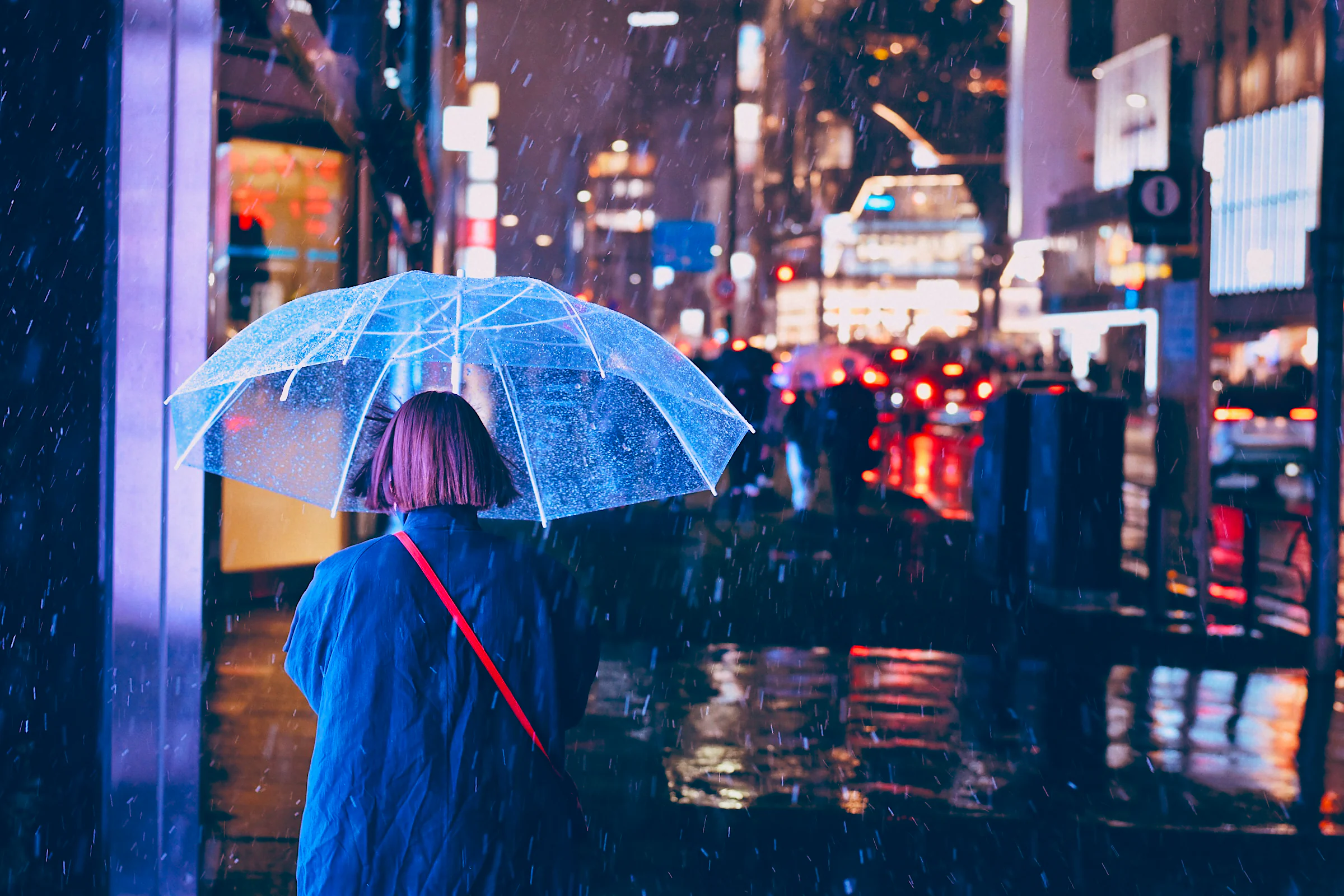
NOISO. Night City · Photo: Marko Jovicic / Unsplash
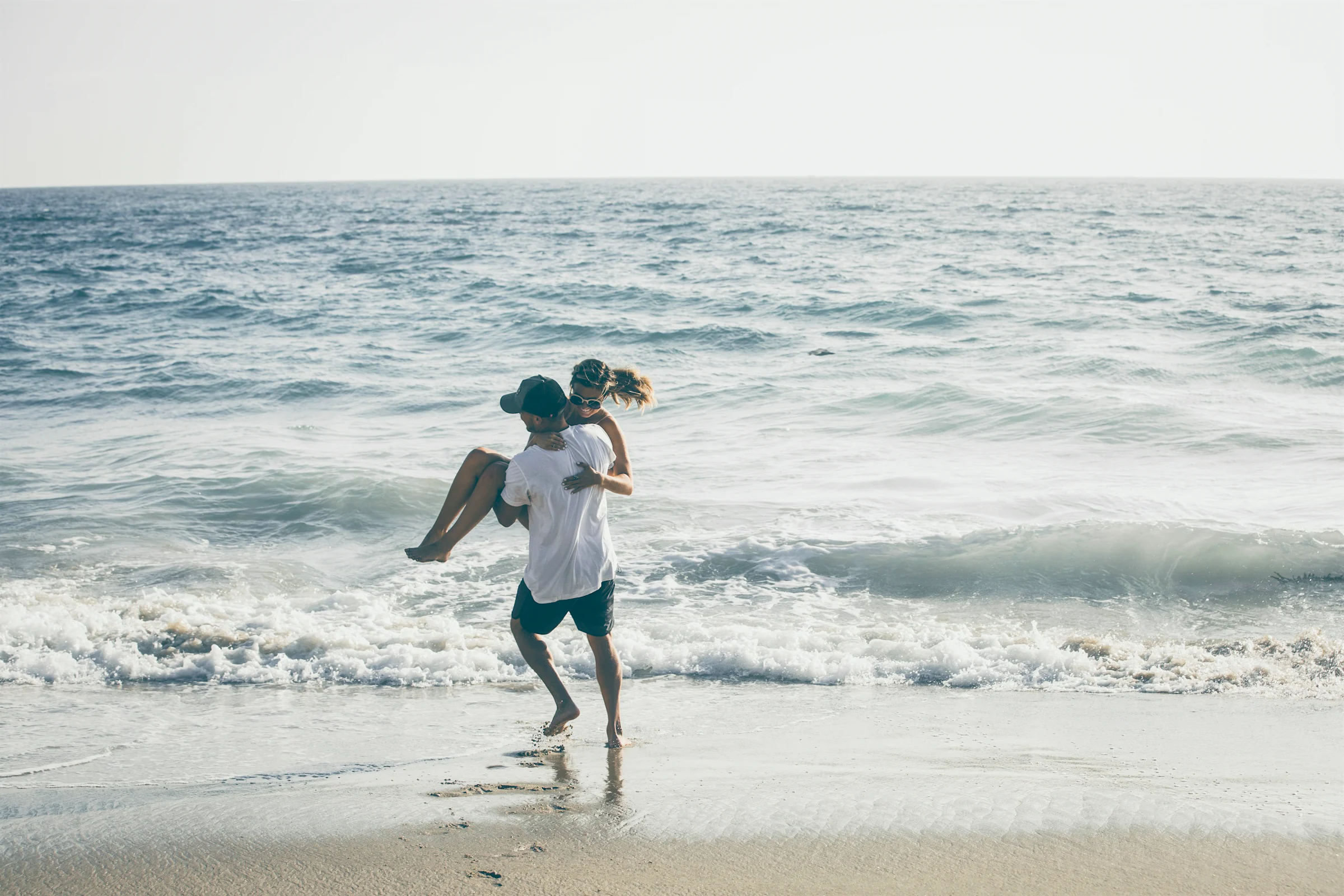
NOISO. Coast · Photo: Roberto Nickson / Unsplash
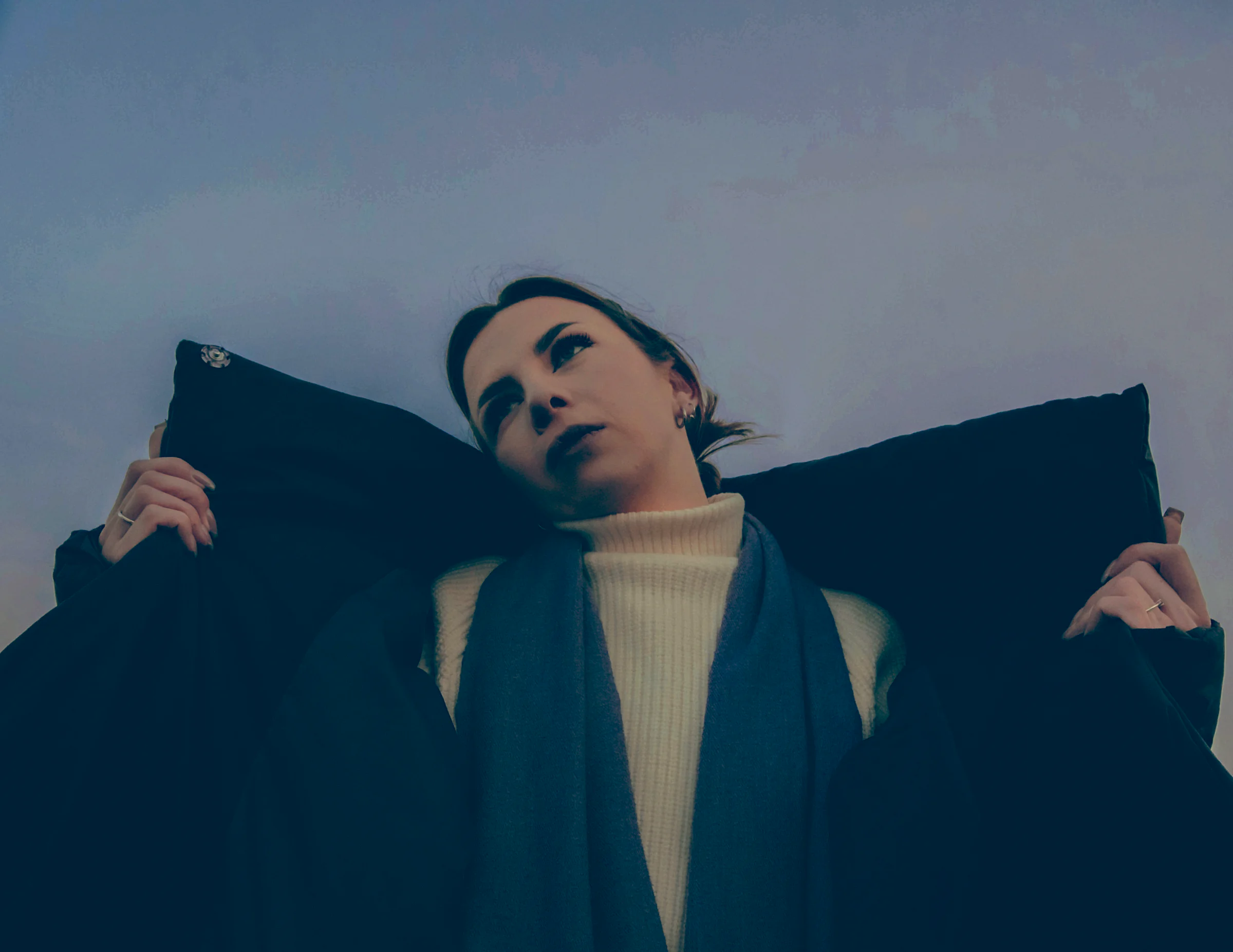
NOISO. Editorial · Photo: Валерия Прокопович / Unsplash
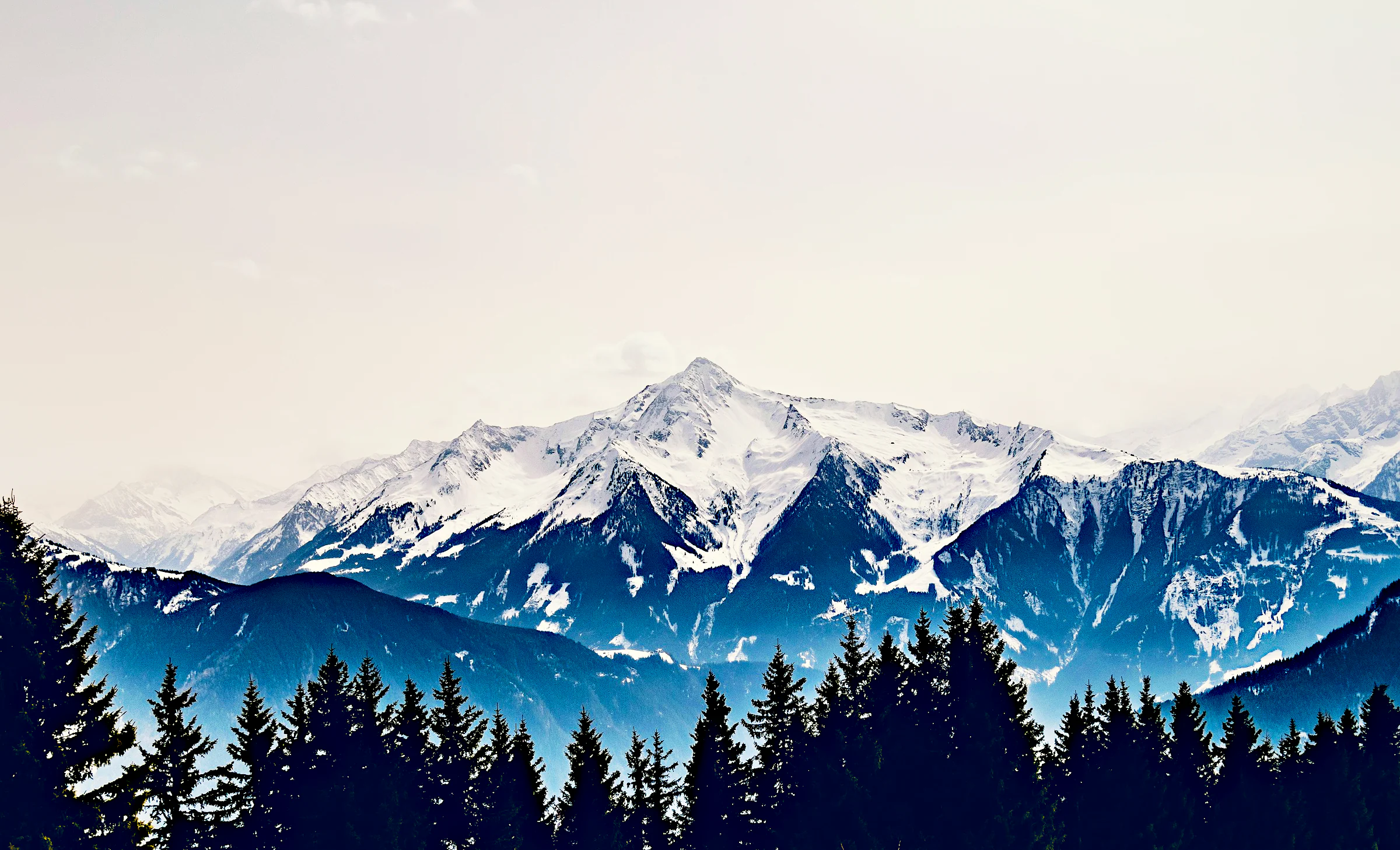
NOISO. Terra · Photo: Mimi Tas / Unsplash
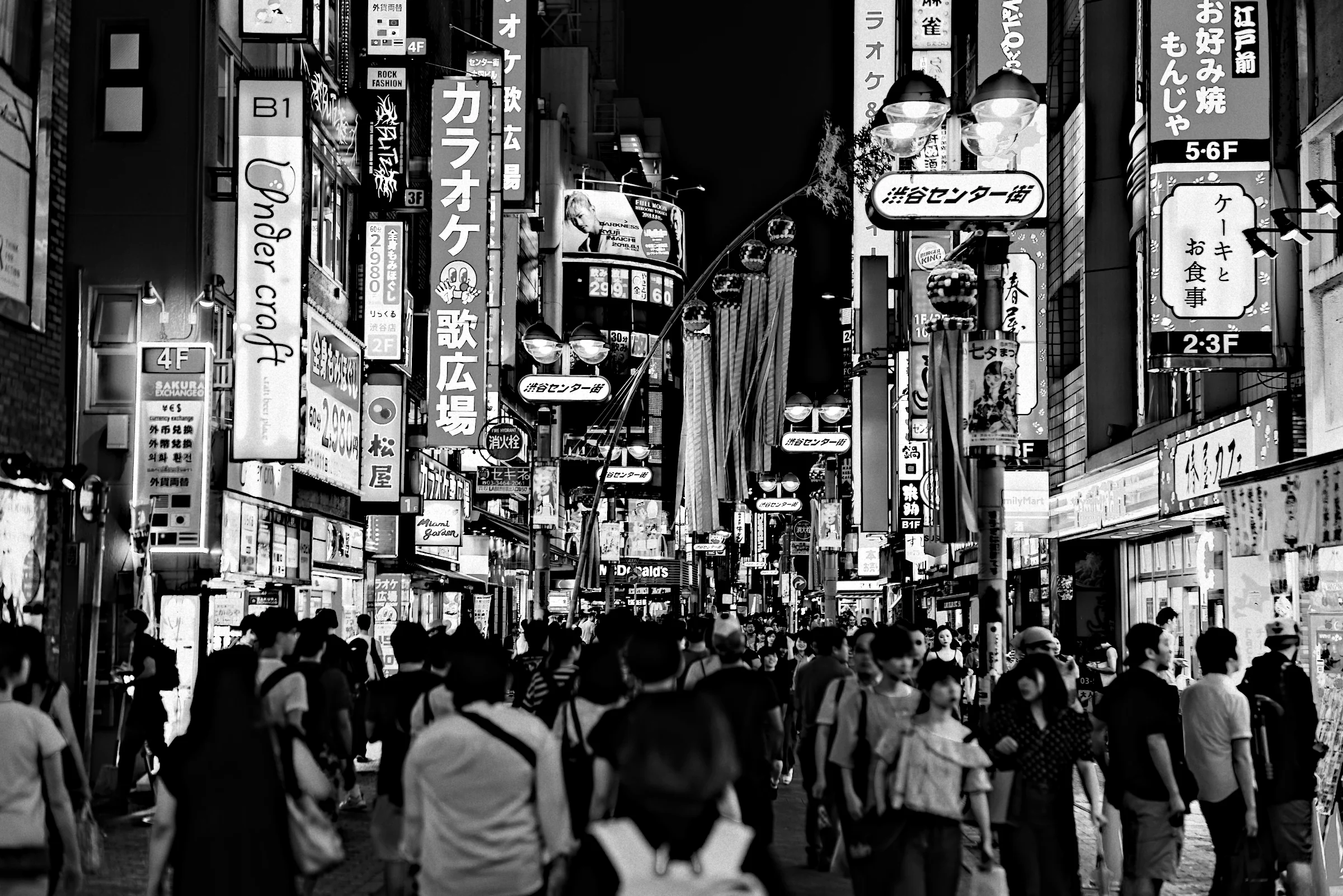
NOISO. Mono Street · Photo: Jezael Melgoza / Unsplash
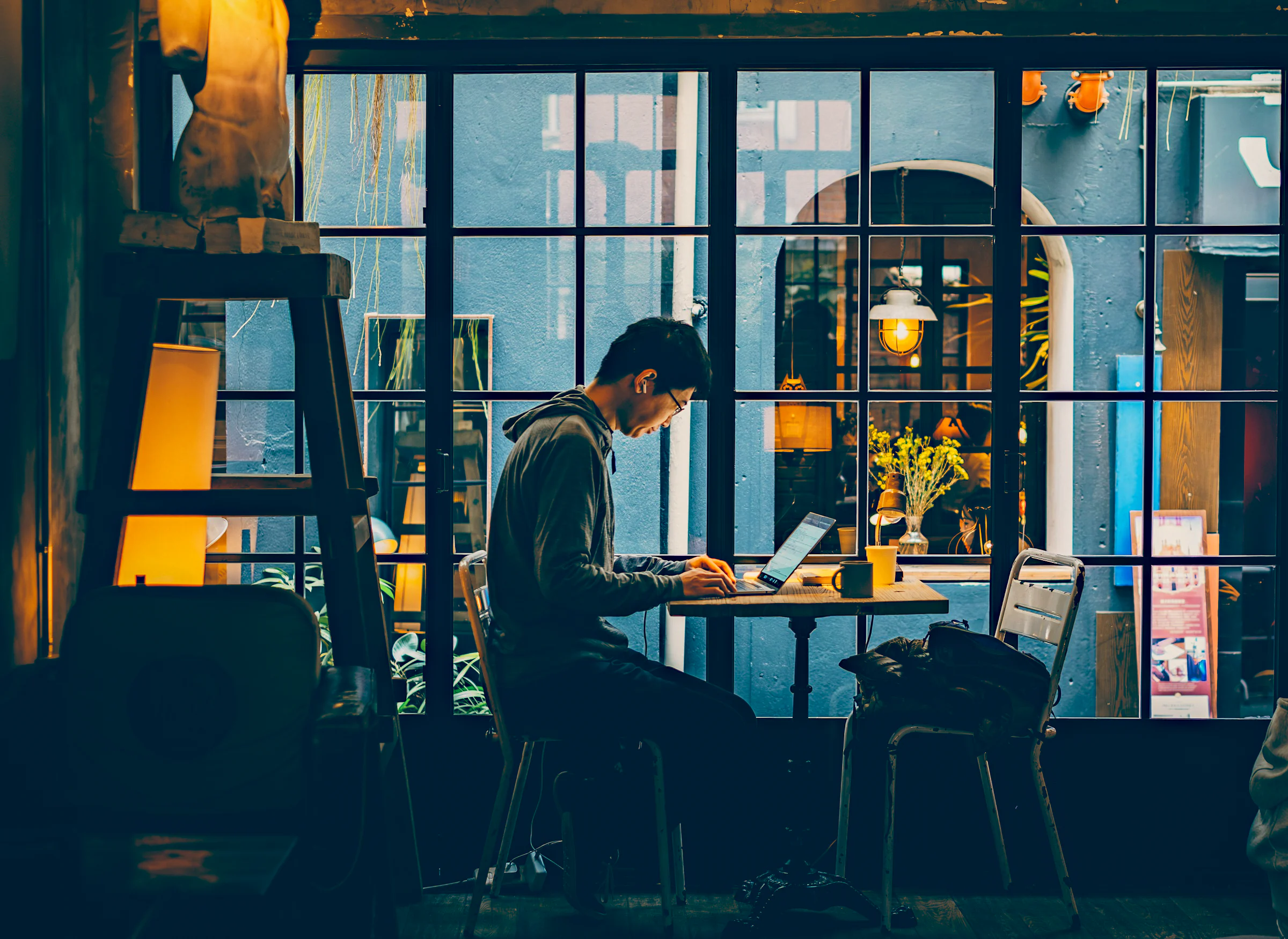
NOISO. Cinema · Photo: Kounotori / Unsplash

NOISO. Golden · Photo: maks_d / Unsplash
Waitlist
Your photographs deserve character.
NOISO. is in beta on the Mac. Join the list and be among the first to develop with it.
Made for macOS 14 or later on Apple silicon.
macOS 14+ · Apple silicon · Metal
Questions
Before you begin.
What is NOISO.?
An independent RAW editor for macOS, made by Jan Osio. A calm creative space for colour, signature looks, and photographic texture. The name joins noise and Osio.
Which Macs does NOISO. run on?
macOS 14 or later on Apple silicon. Rendering runs on the Metal GPU, so previews follow your hand as you edit.
Does NOISO. edit RAW files?
Yes. It opens the camera RAW files macOS can read, as well as JPEG, HEIC, and TIFF.
Do I need editing experience?
Choose a signature look and set its strength, and you have a finished picture. The deeper controls are there whenever you are curious.
What are the signature looks?
Twelve original looks authored for NOISO. Eight in colour: Daylight, Skin, Golden, Editorial, Cinema, Night City, Terra, and Coast. Four in black and white: Mono, Mono Portrait, Mono Street, and Mono Noir. Each is made for one kind of light.
Can I create my own looks?
Yes. Save any edit as a new look, build one from a reference photograph with Style match, bring in your own .cube LUTs, and keep everything in favourites and collections.
What happens to my original photographs?
They stay exactly as they are. Edits live in a small .noiso file beside each photograph. Export writes a new JPEG, PNG, or 16-bit TIFF with EXIF, GPS, and IPTC carried across. Folder exports add “-noiso” to the name and keep every existing file intact.
Can I edit a whole shoot?
Yes. Open a folder, see every frame with its live edit, and copy, paste, or sync settings across a selection. Then export the selection, the edited frames, or the whole folder in one go.
Can I take my work to another Mac?
Yes. Edits travel with the folder in their .noiso files, and any look exports as a single .noiso-look file with its LUT inside.
What language is the app?
English or Polish. You can switch in Settings at any moment.